Getting started
3-minute read · Free tier
1. Install + first launch
Open the App Store / Play Store, install AssetVault, and tap the icon. The first time you open it you'll see a few onboarding slides. Tap through or hit Skip — they're not pre-requisite for anything.
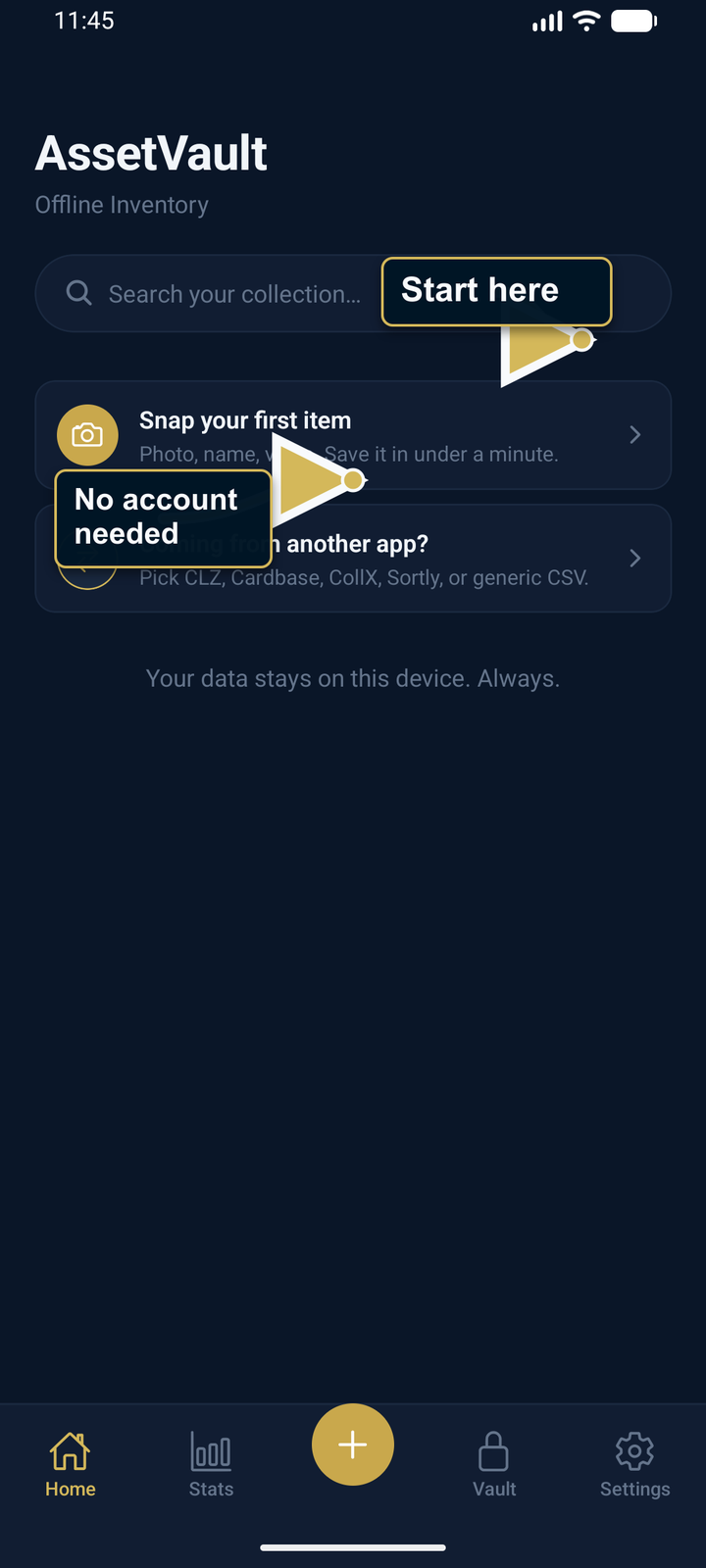
2. Lock your vault (recommended, takes 10 seconds)
AssetVault uses the authentication already configured on your phone — Face ID, fingerprint, iris, or the device passcode/PIN. It does not create a separate AssetVault PIN. If your device has no enrolled authentication, follow the operating-system prompt to configure it.
The vault auto-locks when you switch to another app. Switching to your photo picker or camera doesn't trigger the lock — only switching to a fully unrelated app, and only after a few seconds.
3. Add your first item
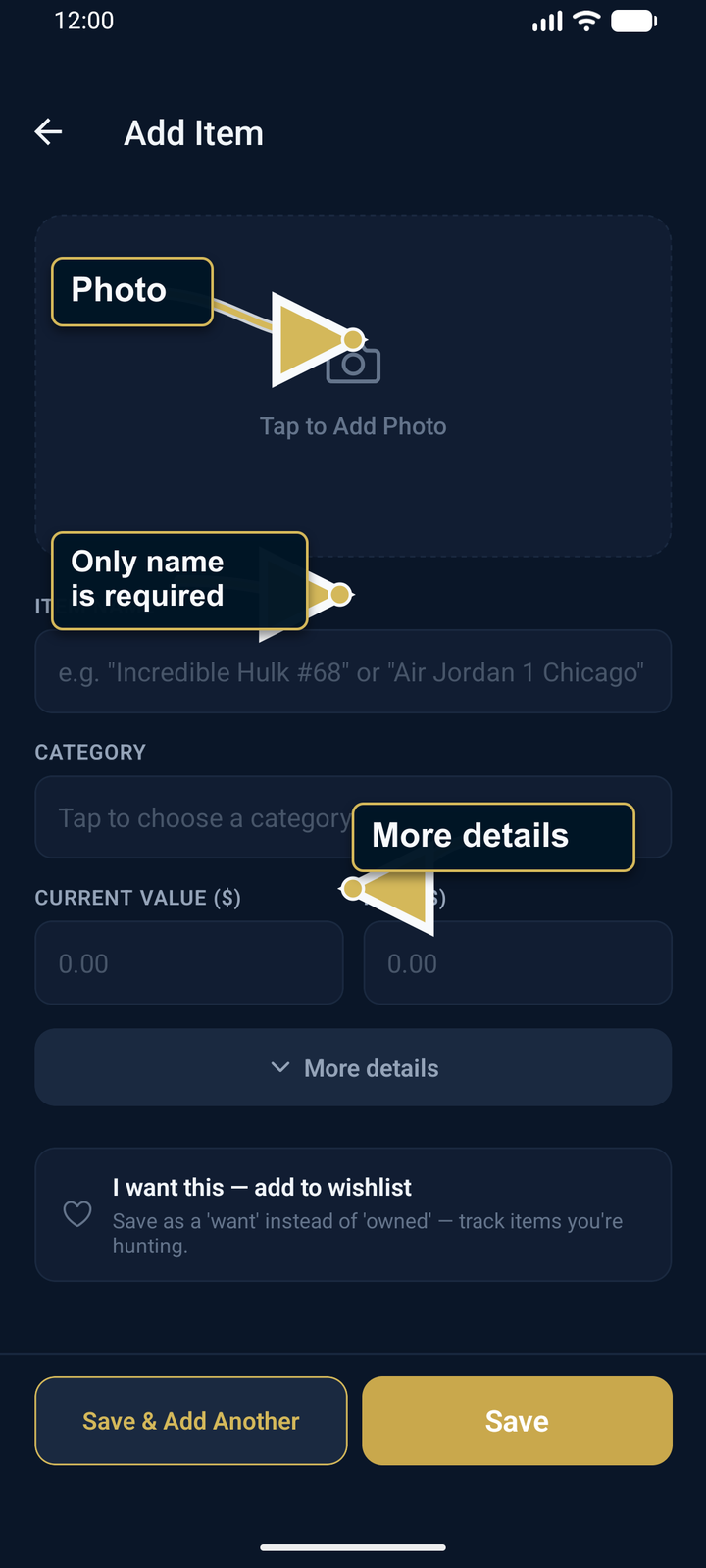
Tap the center "+" button in the tab bar. You'll see five fields:
- Photo — tap to take or pick. The image processes in the background while you fill the rest.
- Name — required. The only required field.
- Category — pick from the suggestion list or type your own.
- Current Value ($) — what it's worth today.
- Paid ($) — what you paid (optional). If both are filled, AssetVault shows profit / loss on the Detail screen.
Everything else — serials, condition, location, NFA fields, insurance, reminders — is hidden under "More details". A small badge tells you how many advanced fields are filled in case you've expanded and collapsed it.
Tap Save. That's it. Item is in your Vault.
4. Find what you saved
Tap the Vault tab. You'll see your items as a list. Use the search bar at the top to search across name, category, location, room, serial number labels, and serial numbers themselves. Use the chip filter row underneath to filter by category. Sort by the icon on the right (newest, oldest, value high, value low, name).
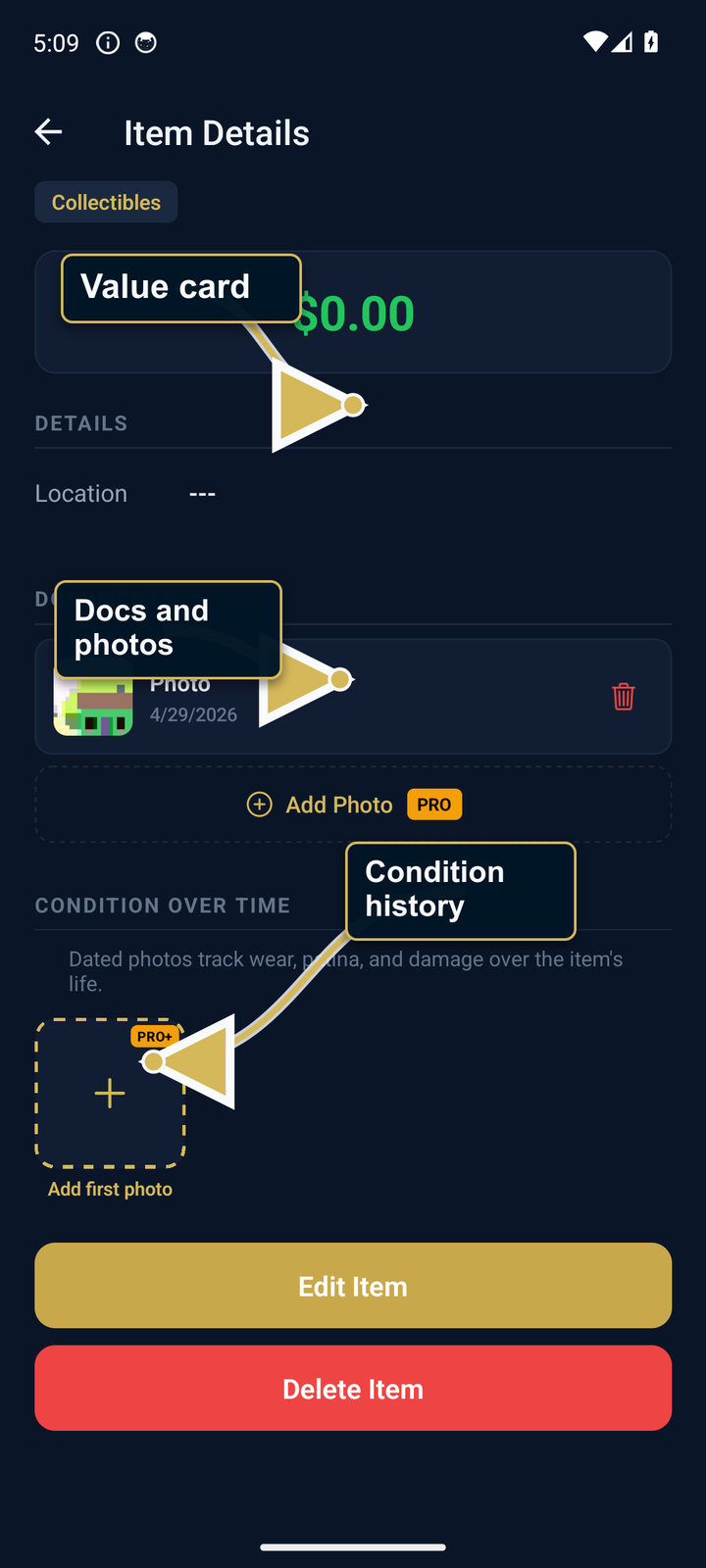
Tap any item to see its full Detail screen with the photo at top, value card, every field you filled, and per-item value history chart if you've recorded values multiple times.
5. Free tier limits + when to upgrade
- 5 items total
- 1 serial number per item
- 1 document (receipt, certificate, warranty) per item
Hit a limit, the Paywall appears. Collector+ is the AI tier — $9.99/month or $99.99/year — for AI photo ID, bulk import, live eBay pricing, AI Pre-Grade, and Condition Timeline. Pro is the $19.99 static-inventory fallback for unlimited records, CSV import, PDF reports, and QR labels.
If you're not sure yet, just keep using Free. Backup, Full Export ZIP, and Restore are available at every tier. The unencrypted ZIP includes readable media and a JSON copy of your records. AssetVault inspects it directly, shows a summary, and asks for confirmation before replacement; verified archived media is reattached and unavailable media is reported.
What's next
- Import from another app — if you have inventory in Sortly, CLZ, Cardbase, CollX, etc.
- AI Photo ID — let a configured AI provider suggest details from a photo for you to review (Collector+).
- Backup & restore — set up your safety net.