Import from another app
3-minute read · Pro
Migrating to AssetVault is supposed to take less time than it took you to be annoyed by your last app's price hike. The wizard handles every common competitor format with auto-detection.
Two paths
Path 1: CSV from the old app (most apps)
- Export your data from the old app as CSV. Step-by-step instructions for each competitor:
- Save the CSV to your phone (iCloud Drive, Google Drive, Files).
- Open AssetVault → Settings → Import from Other App.
- Pick the competitor. The wizard tells you what columns it's looking for.
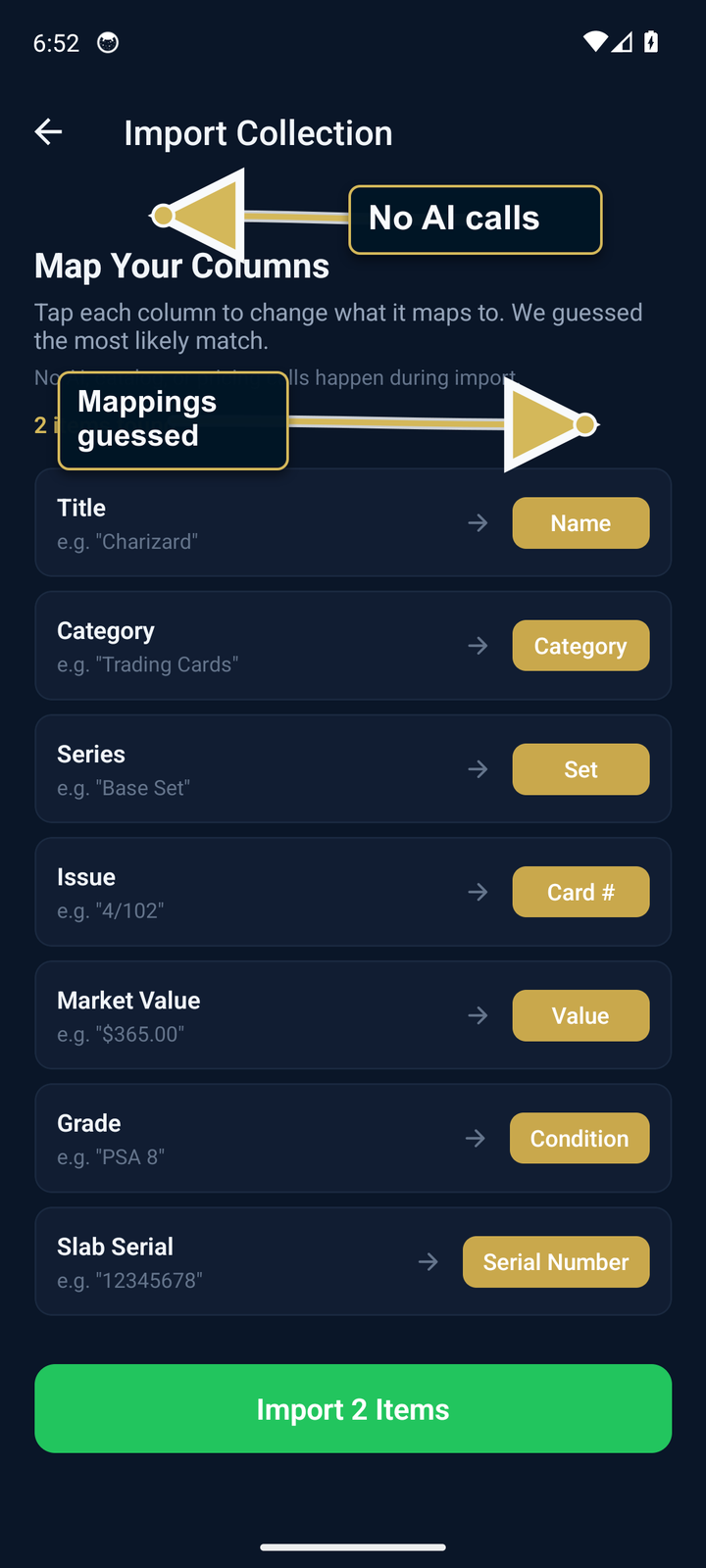
- Pick the CSV. AssetVault auto-detects known formats and pre-fills the column mappings.
- Review the preview, fix any mappings, tap Import.
Path 2: AI bulk photo import (faster for short lists)
If your old app doesn't support CSV export, or you can't be bothered:
- Take a screenshot of the item list inside your old app. Multiple screenshots if it scrolls.
- AssetVault → + → Import from another app → AI photo import (Collector+ feature).
- Pick a screenshot, wait for processing, review the extracted candidates, and add the ones you confirm. Processing time varies.
Repeat for each screenshot. The tool is designed for clear app lists, binder pages, shelves, and readable handwritten lists; results vary with image quality and must be reviewed before saving.
What gets imported
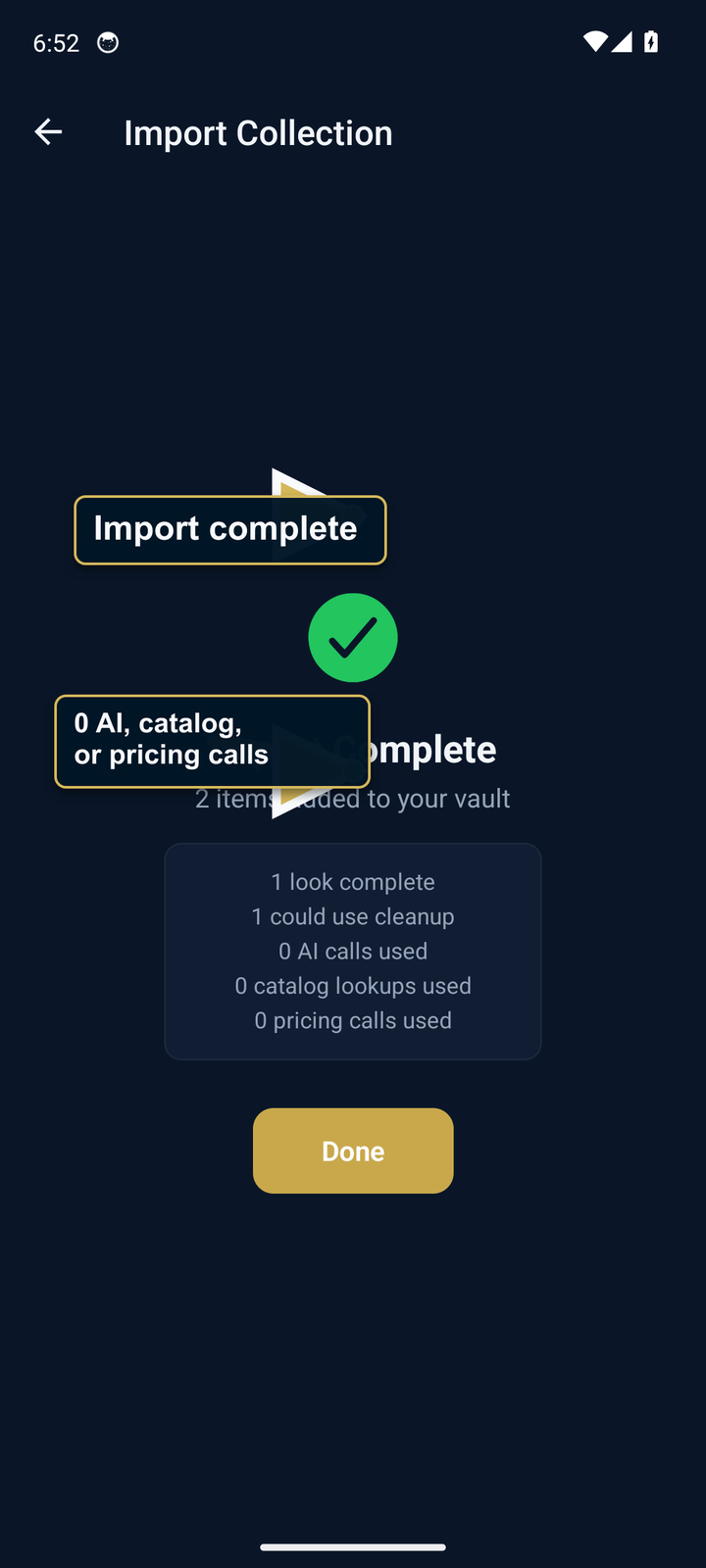
- Supported CSV fields: name, category, value, purchase price, location, room, serial number, condition, quantity, year, notes, variant, set name, and card number
- Required: each imported row needs a usable name; other fields import only when present and mapped
- Image URLs: are preserved in Notes for reference; the importer does not download or attach the image
- Not currently mapped: insurance company/policy fields and firearm-specific NFA fields must be added manually after import
- Source-app photos: save or export them separately and reattach the files you need. AssetVault's Full Export ZIP is a portability archive, not an importer for another app's media.
Tier limits
CSV import requires Pro or Collector+. AI photo import requires Collector+ and has app-enforced caps during an eligible trial. The Free tier does not queue unimported rows or place them in Trash, so upgrade before starting an import you want to keep.
Couldn't get a clean import?
Email support@crldigital.com with a description of the mapping problem. If you choose to attach a CSV or screenshot, it leaves your device; remove serial numbers, private notes, or other sensitive fields first.